How To Register manexSQL
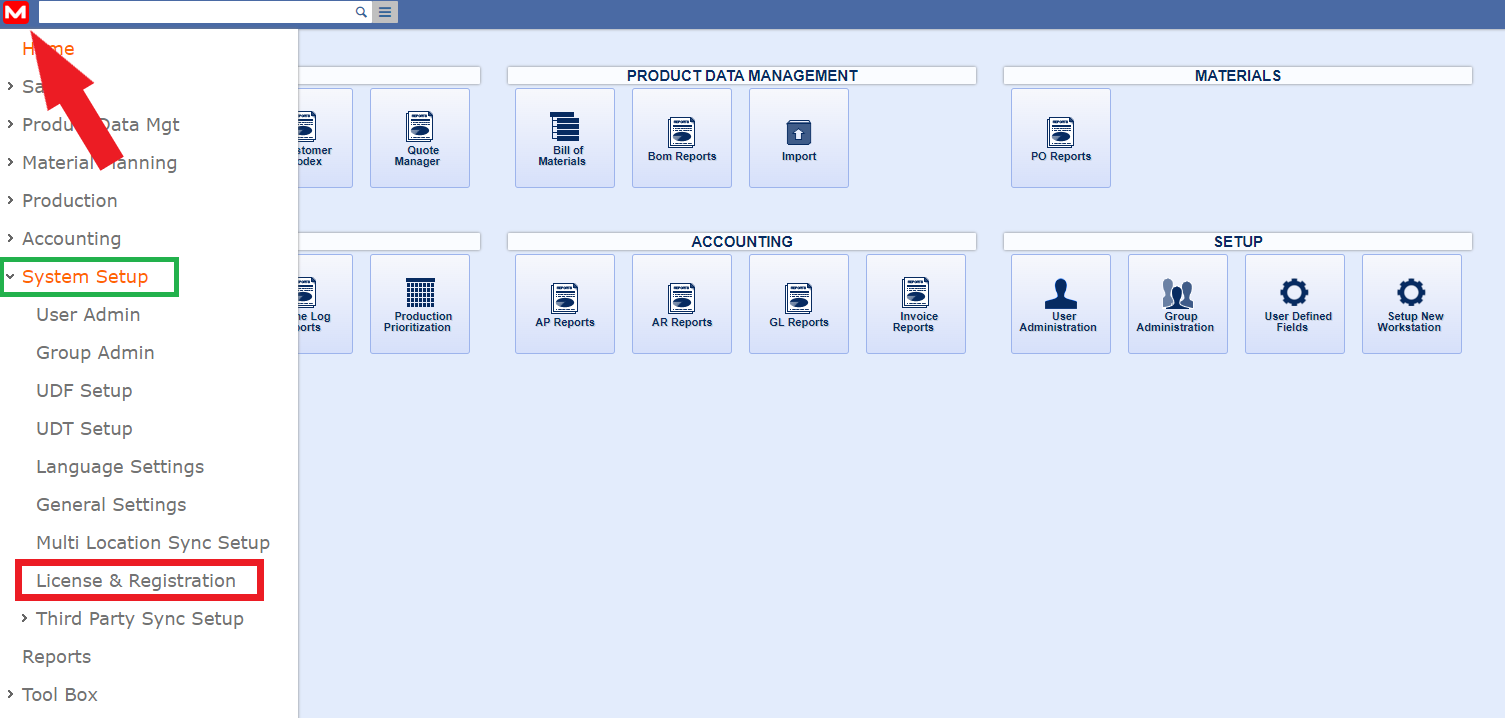
1. Log into manexCloud, and select the manex logo located in the upper left-hand corner (red arrow below). Next, select the System Setup (green box below), and from the drop-down menu select License & Registration (red box below)
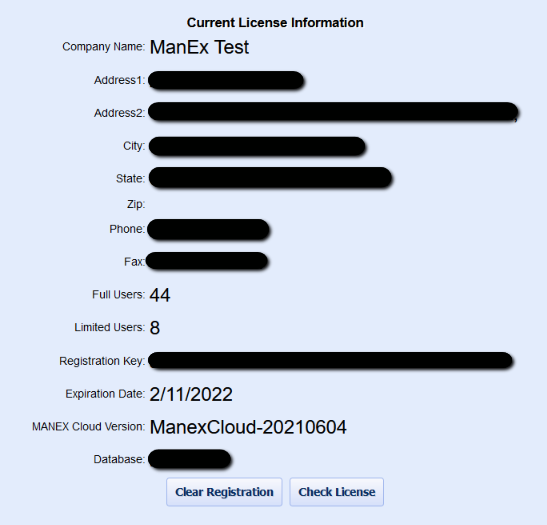
2. A screen similar to the one below will be displayed:
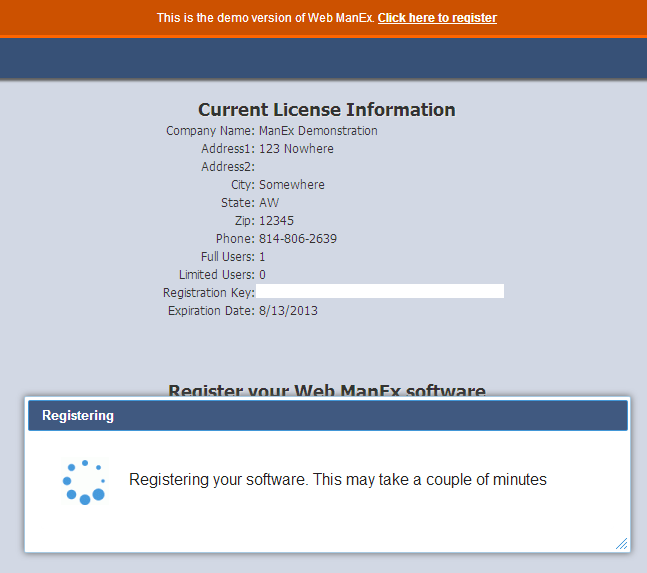
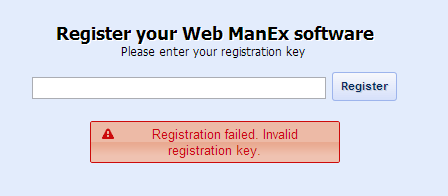
3. Enter the registration key provided by manex support and select the "Register" button:
4. If the registration key entered is incorrect, the following message will be displayed:
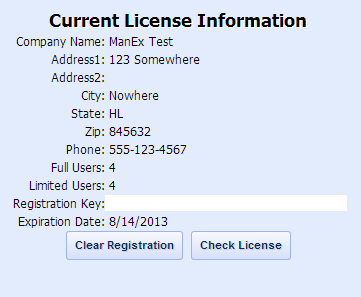
5. Once the software is registered, the following screen will be displayed and you may start using manexCloud.
How To Update manexSQL
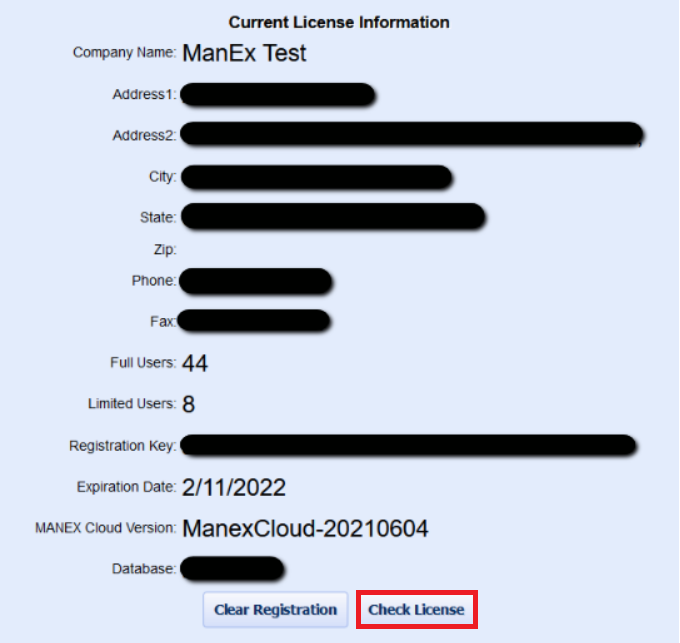
1. In most cases, if you've installed manexService, your licensing will automatically be updated. But if there is a case when your manex software needs to be manually validated, then you can press the "Check License" button (see image below):
***Do not press the "Clear Registration" button, unless you have been instructed by a manex support member to do so ***